Branching & releases
How code flows from a feature branch to production, and how to ship an urgent fix.
Branching model
flowchart LR
  feature["feature / bugfix / chore<br/>(PPL-NNNN/...)"] -->|"squash PR"| develop["develop"]
  develop -->|"pnpm run cut-release -- X.Y.Z"| release["release/X.Y.Z"]
  release -->|"PR to main, merge commit"| main["main"]
  main -->|"automatic PR"| sync["sync/main-to-develop"]
sync -->|"merge commit"| developdevelop— the integration branch. All feature/fix/chore PRs target it and are squash-merged. Every push here deploys the whole platform to staging.release/X.Y.Z— cut fromdevelop, never frommain, so the release is grounded in the same state that was tested on staging.main— production. Onlyrelease/*andhotfix/*branches merge here, via a merge commit (not squash) so release commits propagate back. Every push here deploys the whole platform to production.sync/main-to-develop— the automatic back-merge that keepsmainanddevelopfrom diverging. Merge it with a real merge commit.
Multi-ticket features
For a feature/epic spanning several tickets, we're trialling epic (feature)
branches: tickets merge into a long-lived epic branch that lands on
develop atomically, rather than each ticket merging to develop on its own.
What a merge deploys
There is one deploy pipeline per environment, and it ships the whole platform in a single run: backend functions, Firestore rules, Medplum bots, the Web Professionals portal, and both Flutter apps.
| Merge into | Runs | Deploys to |
|---|---|---|
develop |
Deploy - Staging | Staging |
main |
Deploy - Production | Production |
Components are never deployed independently, and there are no per-app deploy workflows or per-app releases any more. Every build must pass before anything is applied, the backend is verified before the frontends deploy, and a production run produces one GitHub release and one deployment record covering everything in the train. Full detail in Deployments; when a deploy goes wrong, the Rollback runbook.
Open tabs after a deploy
A browser tab keeps running the bundle it loaded until the page is reloaded, so a deploy does
not reach anyone who already has the app open - which, for clinicians, is most of the working
day. Both Flutter apps poll the deployed version.json and compare its deployed_commit_sha against
the commit their own bundle was built from. When the two differ they offer a reload:
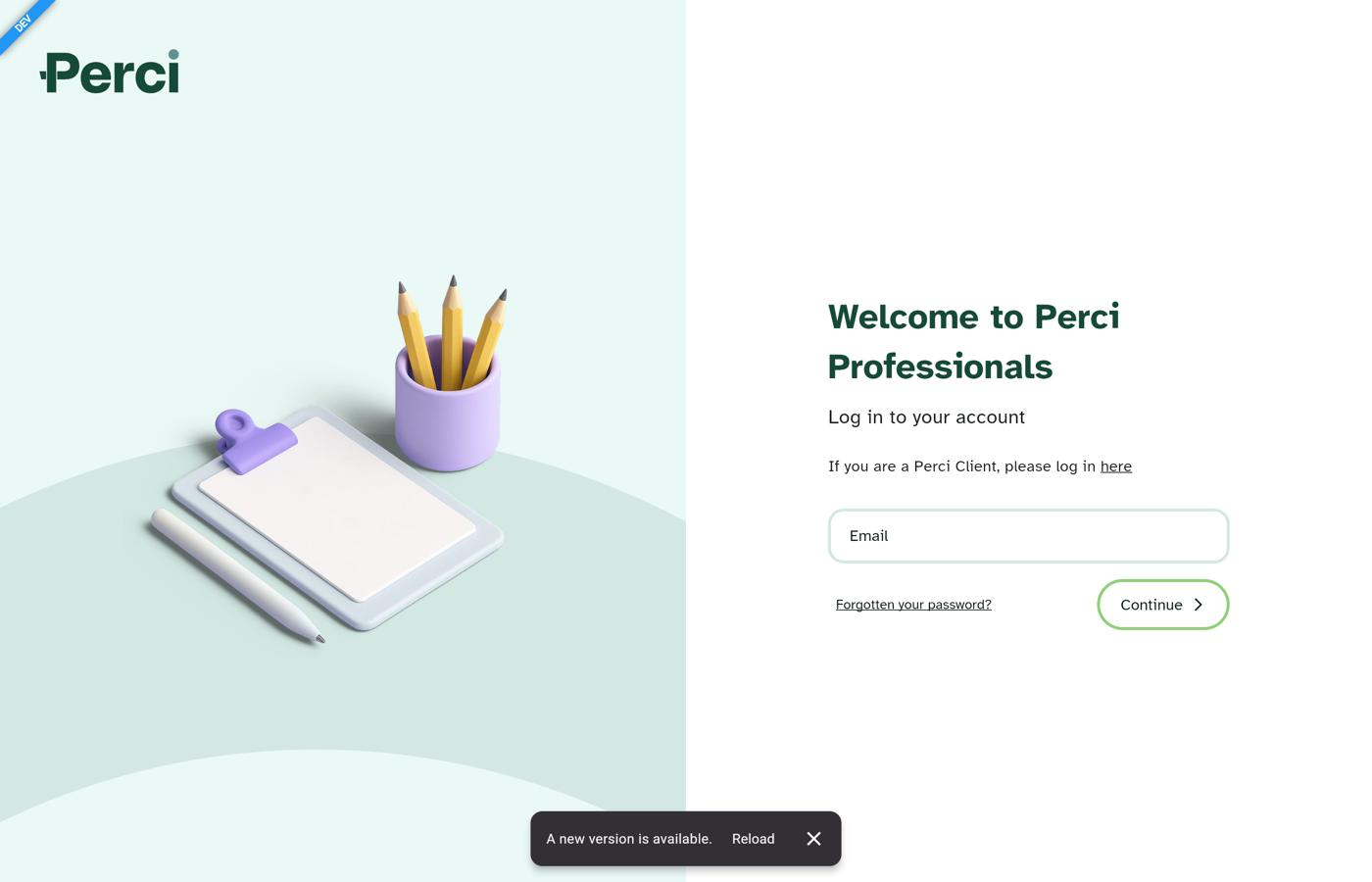
Nothing reloads on its own - someone can be part-way through a note or on a call. The prompt can be dismissed, and comes back only if a further build is deployed. The check runs every 15 minutes and whenever the tab is focused again, so the usual case is that someone returning to the tab sees it straight away.
Normal release
Releases are mechanical — run the script:
Then review the generated release/X.Y.Z → main PR, merge it with a merge commit, and
merge the resulting sync/main-to-develop PR back into develop.
Full mechanics live in the Releasing runbook
The step-by-step release runbook, the GitHub Actions Cut Release alternative, and the troubleshooting are in Releasing. This page is the why and the shape; Releasing is the exact steps.
Hotfixes
A production fix still gets fixed on develop first, then cherry-picked to a hotfix
branch — so the fix can never be lost on the next release.
- Author on
develop. Open a normalPPL-NNNN/...PR intodevelopand merge it. - Cherry-pick into a
hotfix/*branch offmain, and open a PR intomain.
Rules for main PRs
- The branch must be prefixed
release/orhotfix/(enforced by the release-PR guard). - It must bump both app pubspec versions
(
perci-platform-membersandperci-platform-clinicians). A hotfix bumpsPATCH(1.49.0->1.49.1); a build-number-only bump is rejected. - It must be approved by a member of
@percihealth/qa(enforced by the main protection ruleset). See PR reviews. - PRs into
developneed neither the prefix nor a version bump.
Versioning
Versions are semver (MAJOR.MINOR.PATCH): MAJOR for a new or
breaking platform, MINOR for a release with new features, PATCH for a hotfix. A release
is always MAJOR.MINOR.0, for example 1.50.0. The version of record lives in the two app
pubspec.yaml files (perci-platform-members and perci-platform-clinicians), which the
release script writes as <version>+1; the +1 build number is intentionally stable for web
releases. See Releasing for the full detail.